

OpenCode
How to add the OpenCode integration.
Prerequisites
- An OpenCode Ingest Token, which is generated during the integration setup in Waydev. No external token is required beforehand.
- See OpenCode Plugin & Github: OpenCode Plugin OTEL Installation for more information abut installing the opencode-plugin-otel client.
To add a new integration click on the + Add Integration button.
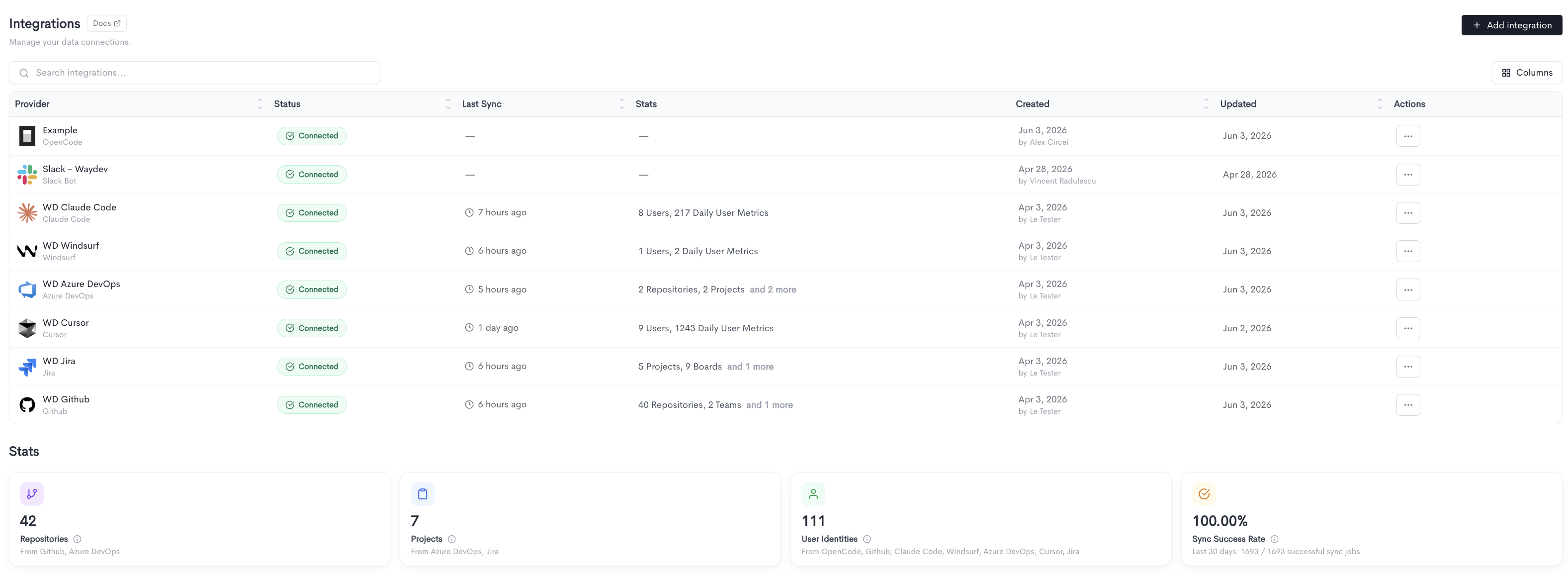
Adding the integration
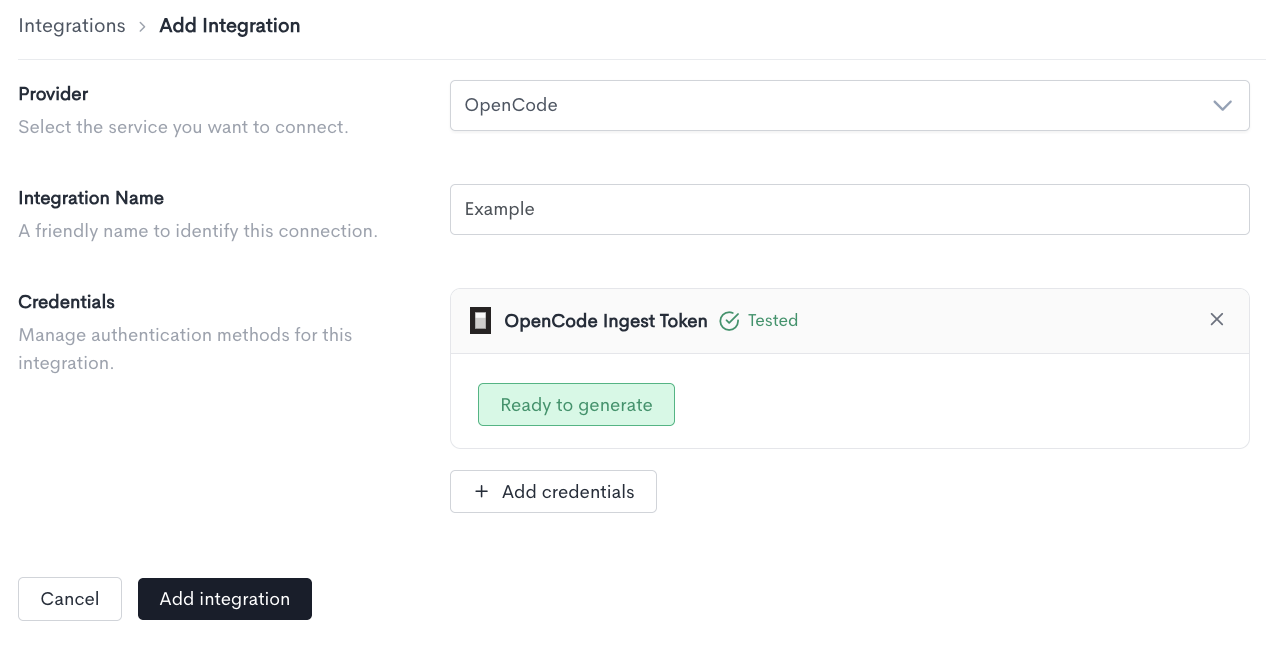
When adding an OpenCode integration, fill in the following fields:
- Provider — Select OpenCode from the dropdown.
- Integration Name — A friendly name to identify this connection within Waydev.
- Credentials — An OpenCode Ingest Token credential card will appear automatically. Click Confirm to validate it. Once tested successfully, the status updates to Tested and a Ready to generate button appears.
Click Add integration to finalize the setup and generate the token.
Copying the token
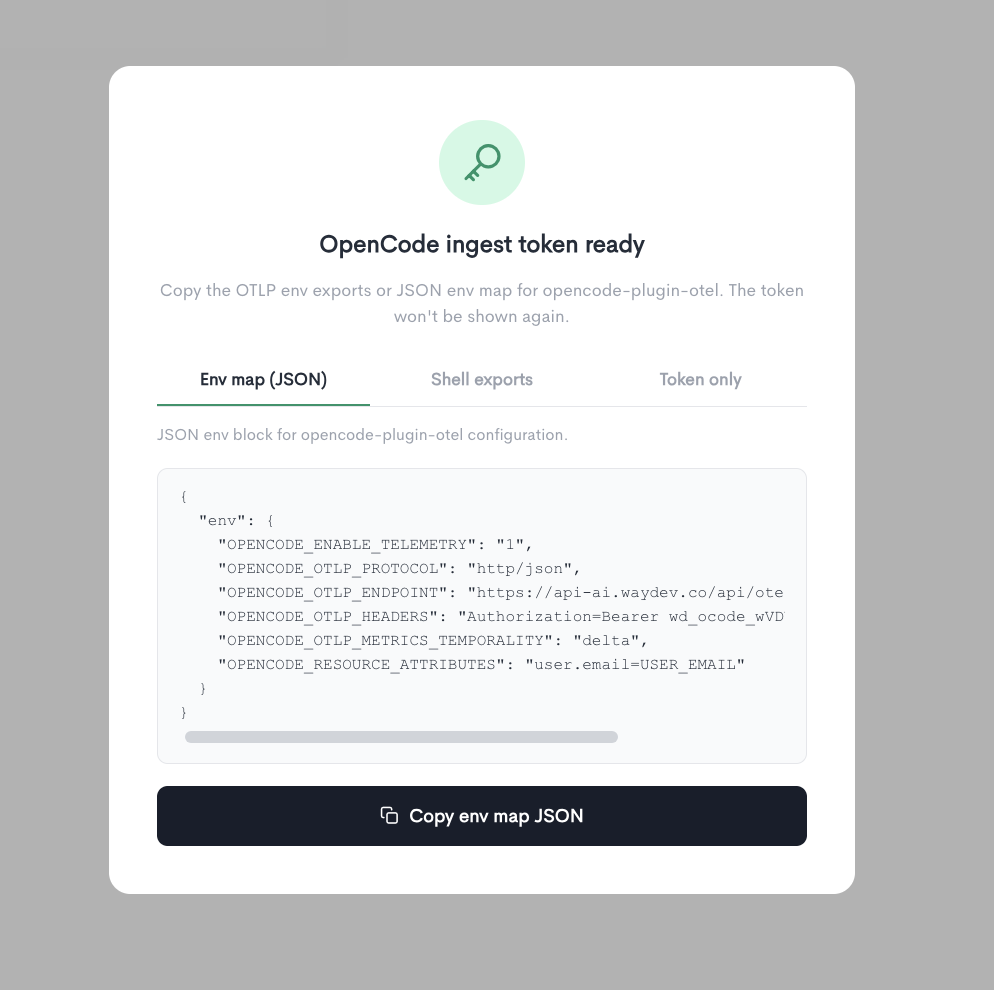
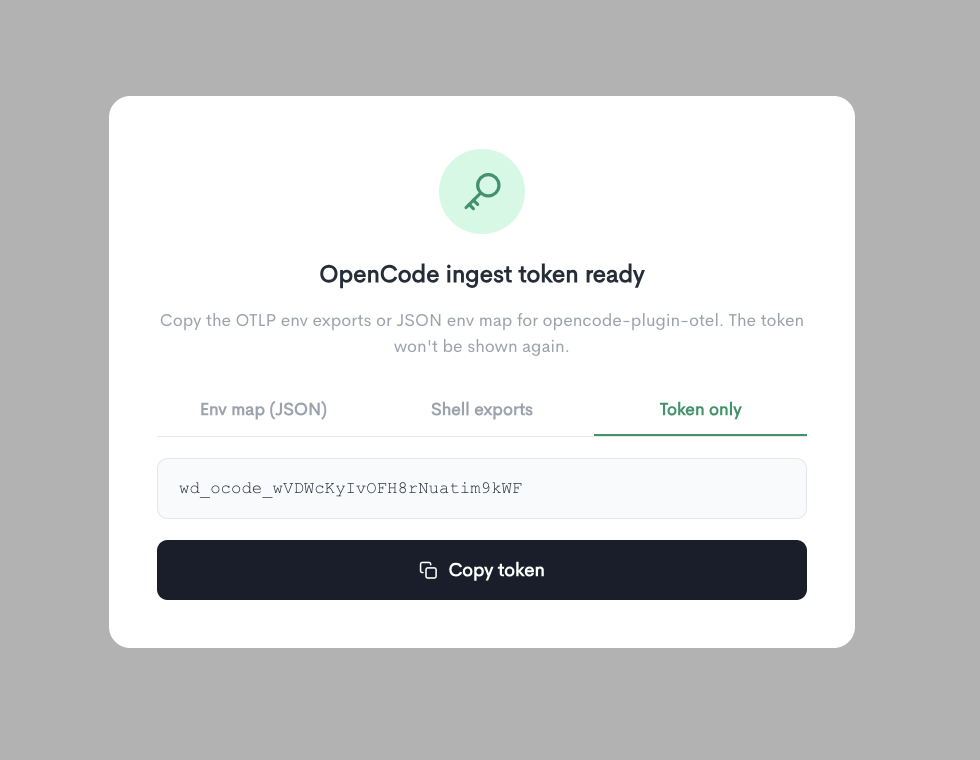
Once the integration is added, a modal displays your OpenCode ingest token in three formats. Copy and save the token before closing — it will not be shown again.
Env map (JSON)
A JSON env block for opencode-plugin-otel configuration:
{
  "env": {
    "OPENCODE_ENABLE_TELEMETRY": "1",
    "OPENCODE_OTLP_PROTOCOL": "http/json",
    "OPENCODE_OTLP_ENDPOINT": "https://api-ai.waydev.co/api/otel/...",
    "OPENCODE_OTLP_HEADERS": "Authorization=Bearer <your_token>",
    "OPENCODE_OTLP_METRICS_TEMPORALITY": "delta",
    "OPENCODE_RESOURCE_ATTRIBUTES": "user.email=USER_EMAIL"
  }
}
Shell exports
Add to your shell profile or run before launching OpenCode:
OPENCODE_ENABLE_TELEMETRY=1
OPENCODE_OTLP_PROTOCOL=http/json
OPENCODE_OTLP_ENDPOINT=https://api-ai.waydev.co/api/otel/...
OPENCODE_OTLP_HEADERS=Authorization=Bearer <your_token>
OPENCODE_OTLP_METRICS_TEMPORALITY=delta
OPENCODE_RESOURCE_ATTRIBUTES=user.email=USER_EMAIL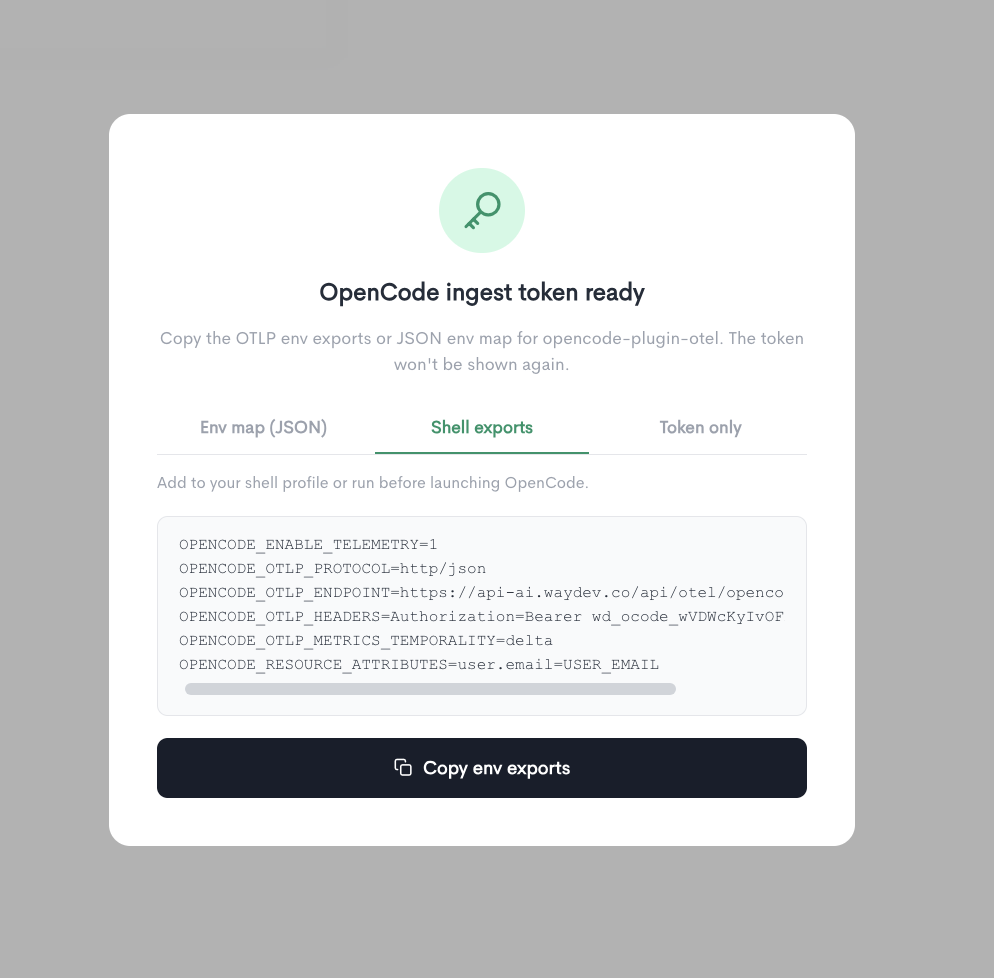
Token only
The raw bearer token for manual configuration. Use it as Authorization: Bearer <token> in your OTLP headers.
Environment variables
| Variable | Value |
|---|---|
OPENCODE_ENABLE_TELEMETRY | 1 |
OPENCODE_OTLP_PROTOCOL | http/json |
OPENCODE_OTLP_ENDPOINT | https://api-ai.waydev.co/api/otel/... |
OPENCODE_OTLP_HEADERS | Authorization=Bearer <your_token> |
OPENCODE_OTLP_METRICS_TEMPORALITY | delta |
OPENCODE_RESOURCE_ATTRIBUTES | user.email=USER_EMAIL |
- Make sure each developer has their correct USER_EMAIL in set, this is how their activity gets attributed in the dashboard.
- The token is shown only once, so copy it before closing the modal. If you lose it, you'll need to delete and re-add the integration.
The OpenCode ingest rate limit is 6 requests per 60 seconds, scoped per integration + user identity.
The export interval is controlled by these settings in your settings.local.json file:
Variable What it controls Default Recommended OTEL_METRIC_EXPORT_INTERVAL Milliseconds between metric exports 60000 (60s) 600000 (10m) OTEL_LOGS_EXPORT_INTERVAL (usually not needed) Milliseconds between log/event exports 5000 (5s) 60000 (1m)
Updated 24 days ago