

Single Sign-On (SAML)
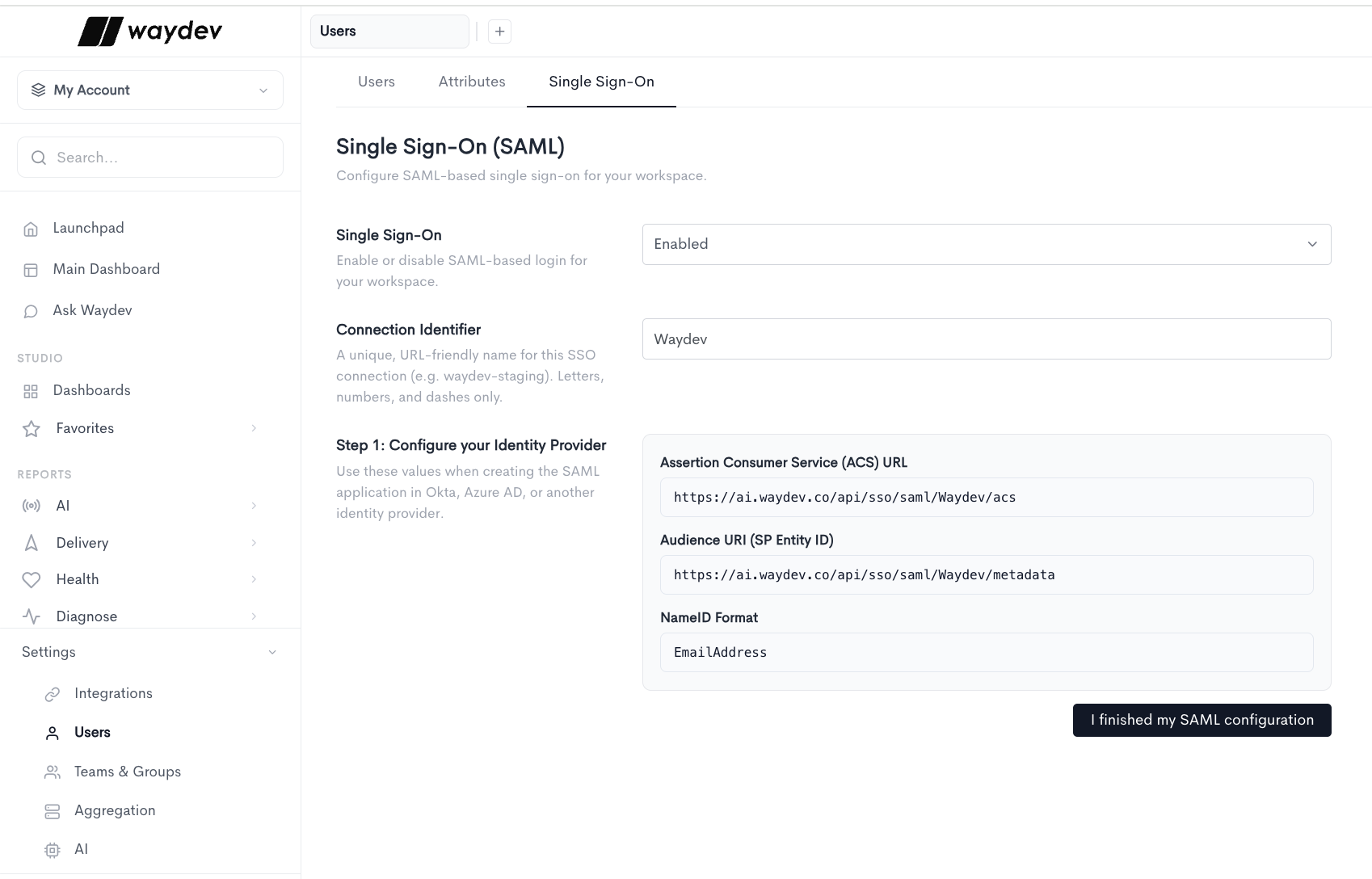
The Single Sign-On tab allows you to configure SAML-based single sign-on for your workspace.
The following field controls whether SSO is active:
- Single Sign-On - Enables or disables SAML-based login for your workspace. Options are
EnabledandDisabled.
When Single Sign-On is set to Enabled, the following additional fields appear:
- Connection Identifier - A unique, URL-friendly name for this SSO connection (e.g.
waydev-staging). Letters, numbers, and dashes only.
Configure your Identity Provider
Use the following values when creating the SAML application in Okta, Azure AD, or another identity provider:
- Assertion Consumer Service (ACS) URL - The endpoint your identity provider sends the SAML response to (e.g.
https://ai.waydev.co/api/sso/saml/Waydev/acs). - Audience URI (SP Entity ID) - The service provider entity ID for this connection (e.g.
https://ai.waydev.co/api/sso/saml/Waydev/metadata). - NameID Format - The format used to identify the user in the SAML assertion (e.g.
EmailAddress).
Once your identity provider is configured with these values, click I finished my SAML configuration to proceed.
Updated about 2 months ago