

ClickUp
Adding the ClickUp integration in Waydev
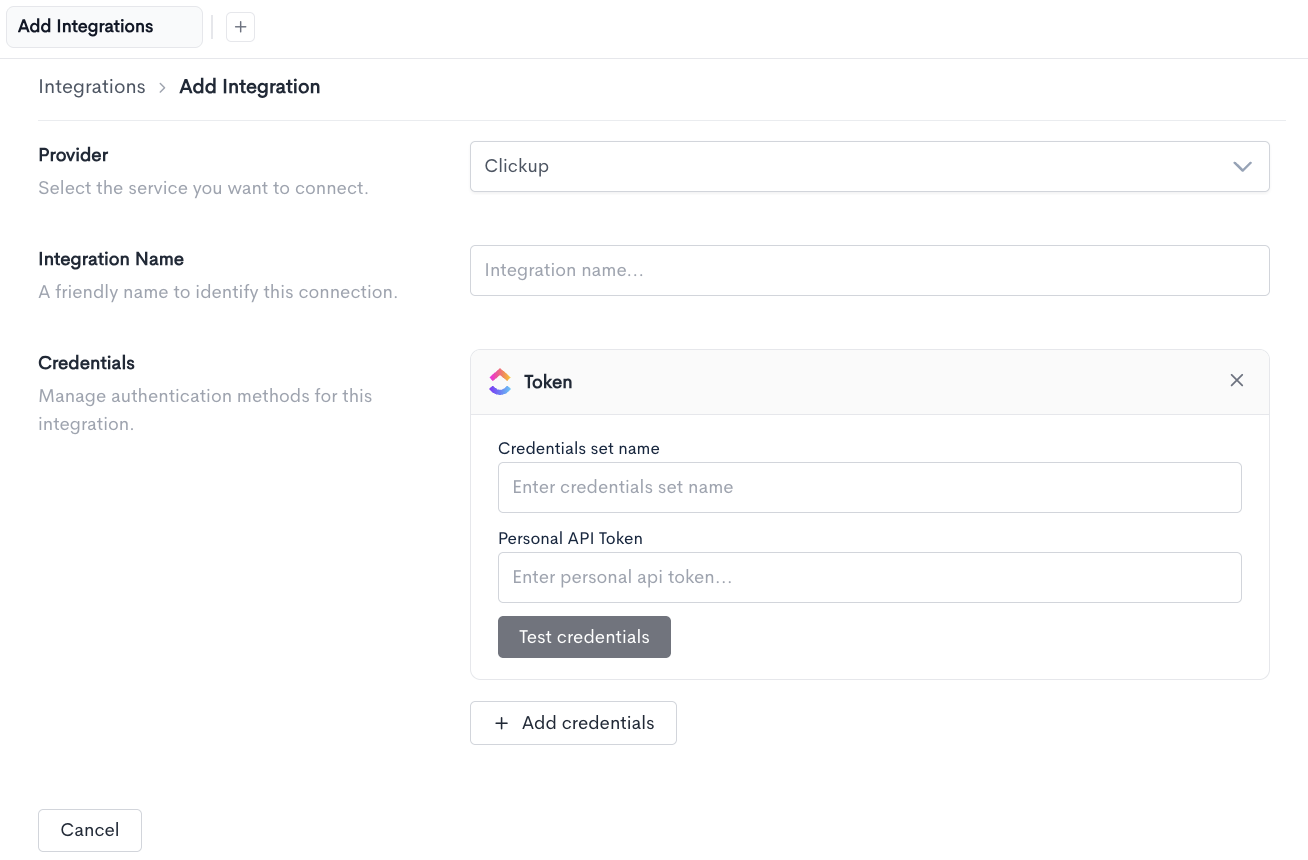
To connect ClickUp, navigate to Settings > Integrations, then click + Add Integration.
The following fields can be configured:
- Provider - Select the service you want to connect. Choose
ClickUpfrom the dropdown. - Integration Name - A friendly name to identify this connection.
Under Credentials, click + Add credentials to open the Token credentials panel, then fill in:
- Credentials set name - A name to identify this set of credentials.
- Personal API Token - Your ClickUp personal API token, used to authenticate the connection.
Click Test credentials to verify the connection before saving. Multiple credential sets can be added using + Add credentials if needed.
Once configured, click Cancel to discard the integration, or complete the setup to save it.
Updated 20 days ago