

Gitlab
How to add the Gitlab integration.
Prerequisites
- A Personal Access Token with admin access if you don't want to use OAuth. Learn how to generate it.
To add a new integration click on the + Add Integration button.
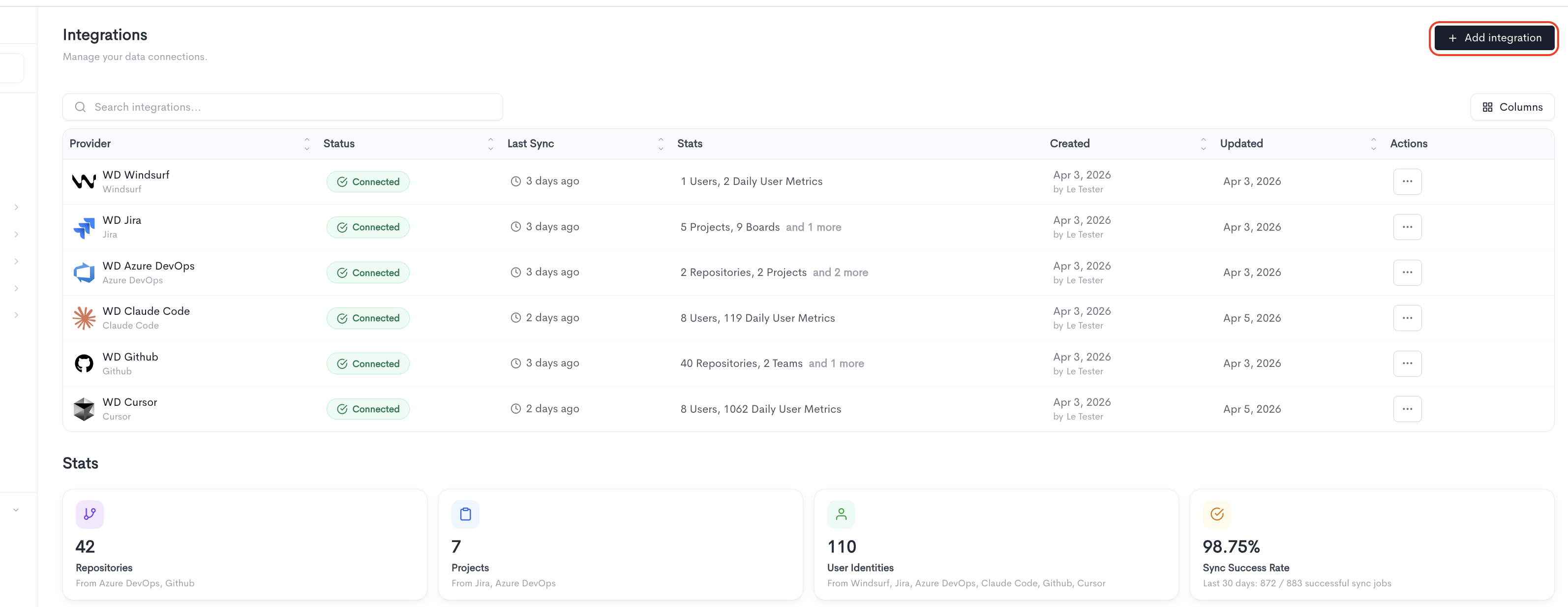
Adding the integration
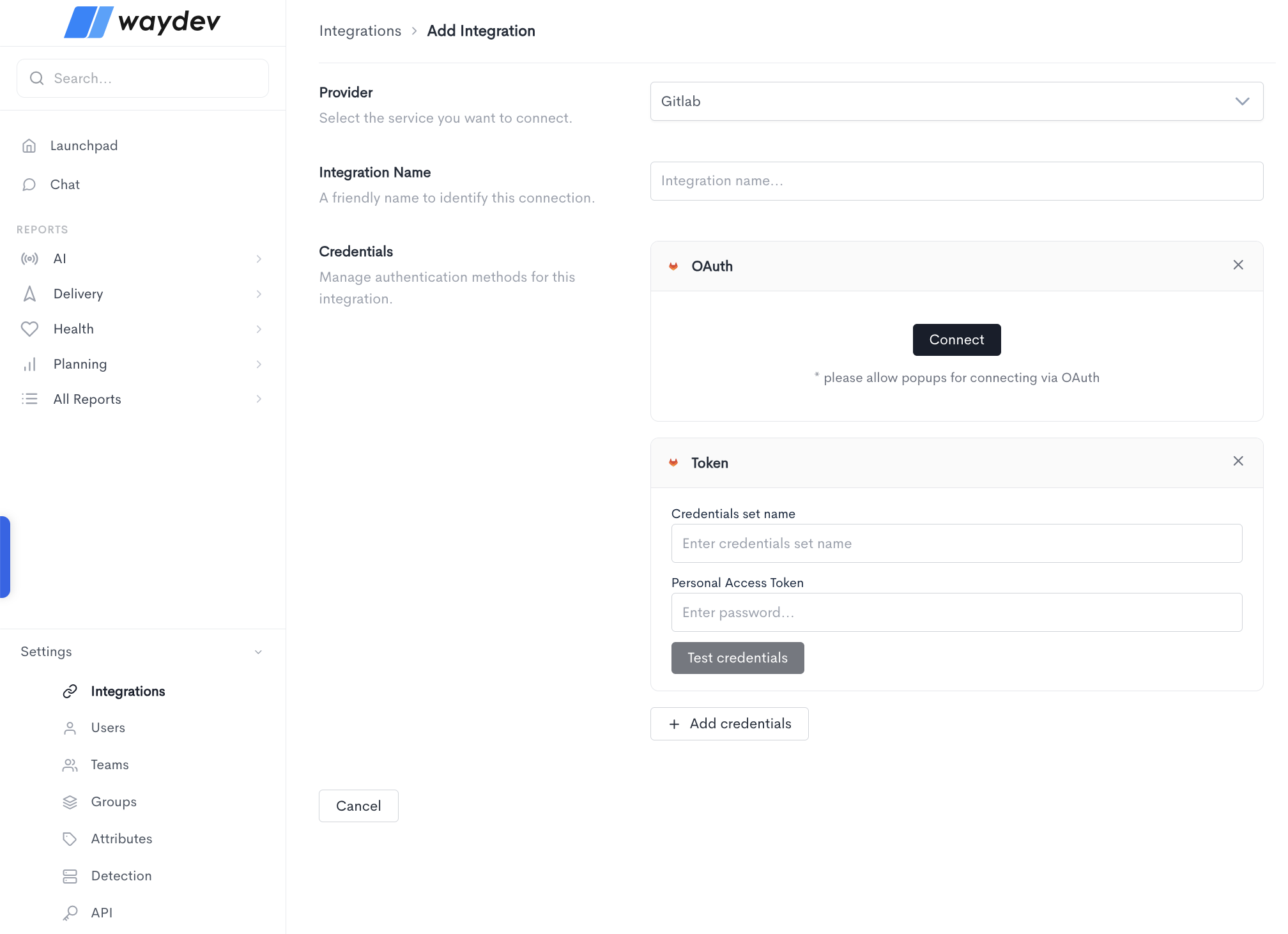
When adding a GitLab integration, fill in the following fields:
-
Provider — Select GitLab from the dropdown.
-
Integration Name — A friendly name to identify this connection within Waydev.
-
Credentials — GitLab supports two authentication methods:
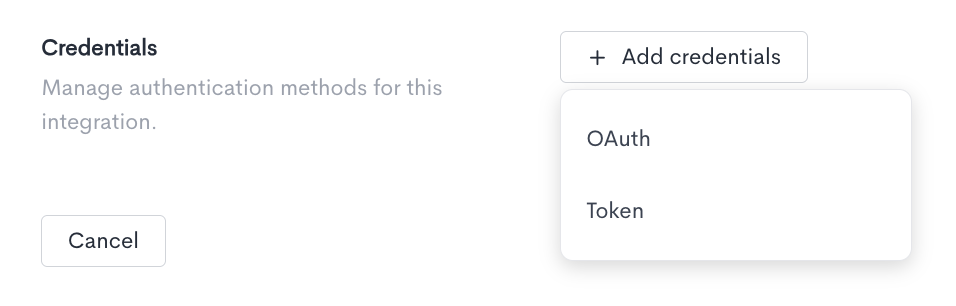
- OAuth — Connect your GitLab account by clicking Connect. This will open a GitLab authorization popup. Note: make sure to allow popups in your browser for this method to work.
- Token — Authenticate using a personal access token instead, which requires:
- Credentials set name — A label to identify this set of credentials.
- Personal Access Token — The personal access token generated from your GitLab account.
Click Test credentials to verify that Waydev can successfully connect using the provided details.
You can add multiple credential sets using the + Add credentials button. Click Cancel to discard the integration setup and return to the Integrations list.
Updated about 2 months ago