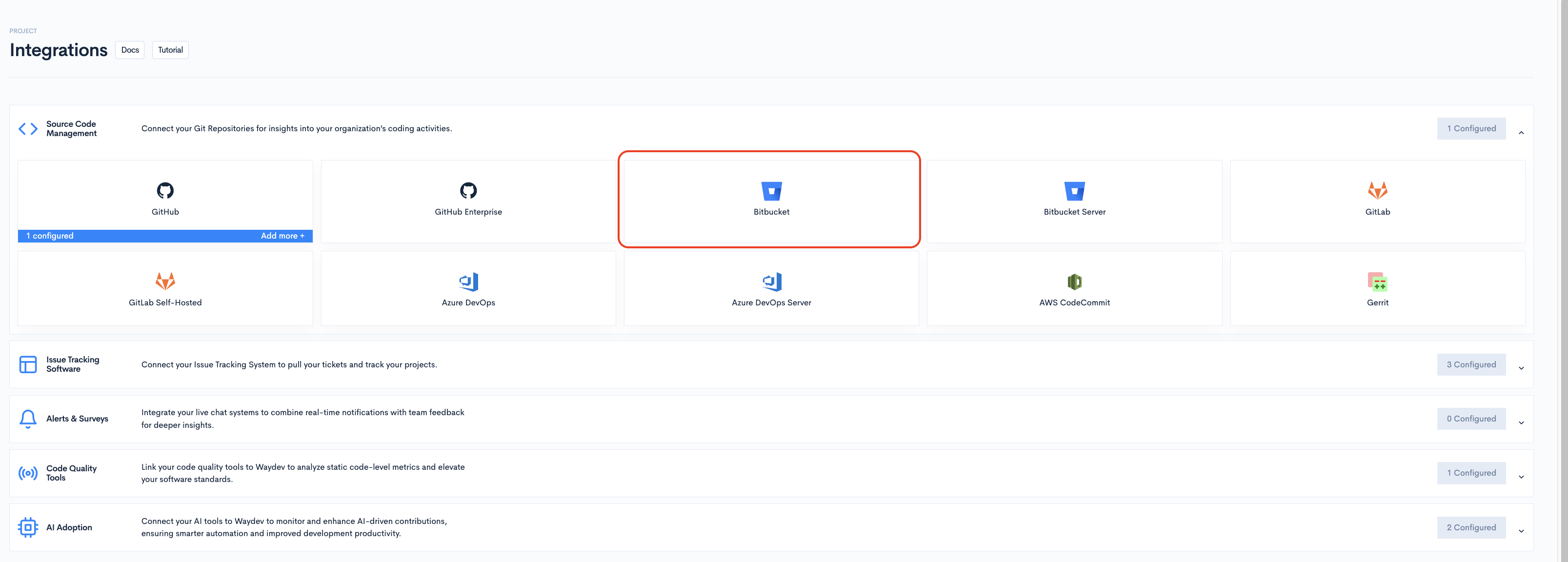

Bitbucket
We recommend using OAuth when available. It's faster to set up and does not require generating or managing a token.
Prerequisites
- A Workspace Token or an Atlassian API Token with the necessary access.
To add a new integration click on the + Add Integration button.
Adding the integrationWhen adding a Bitbucket integration, fill in the following fields:
-
Provider — Select Bitbucket from the dropdown.
-
Integration Name — A friendly name to identify this connection within Waydev.
-
Credentials — Bitbucket supports two authentication methods. Click + Add credentials and select one.

OAuth
Use this method to connect via OAuth instead of a token.
-
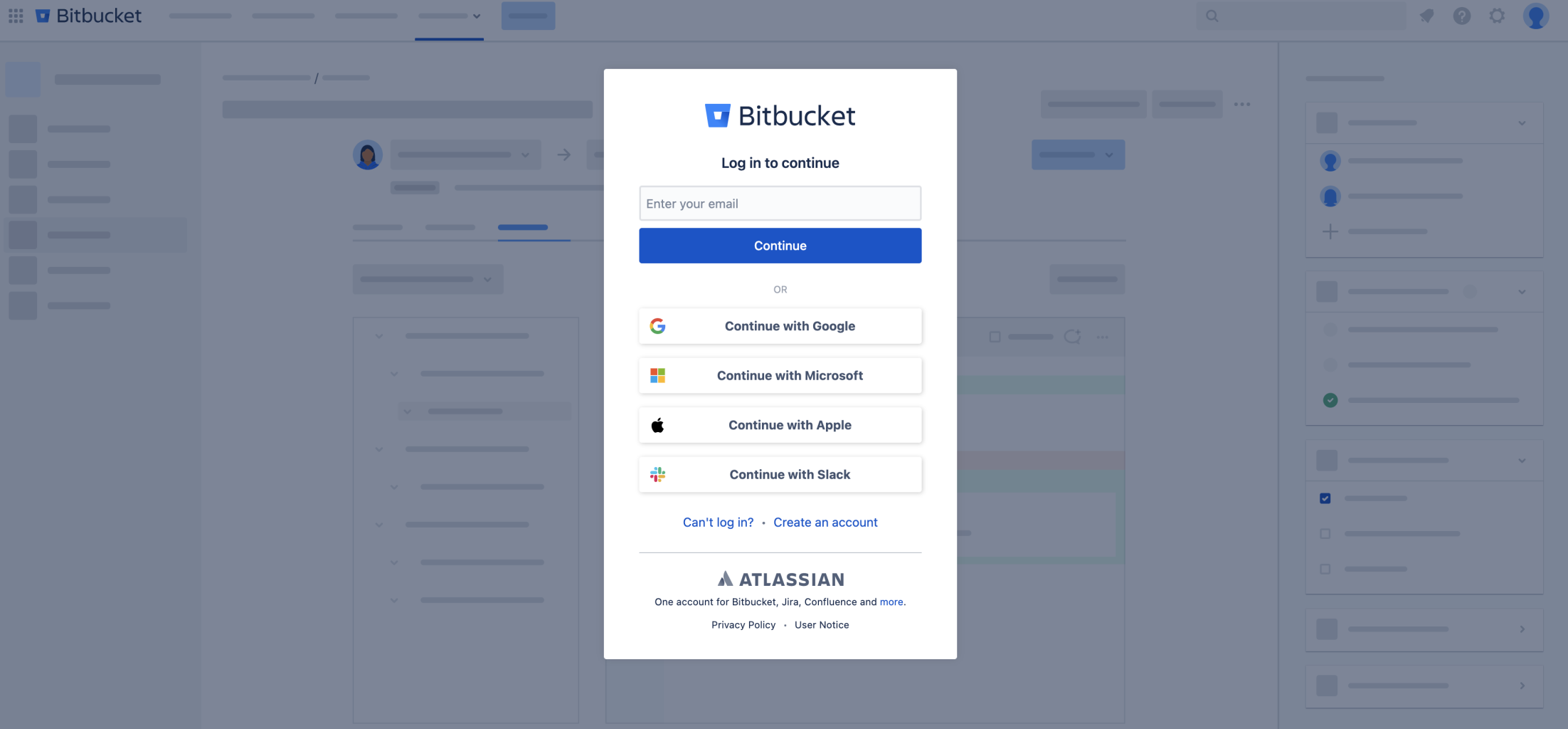
Click Connect to launch the OAuth authorization flow.
-
Make sure popups are allowed in your browser, the connection window opens as a popup.

Workspace Token
-
Credentials set name — A label to identify this set of credentials.
-
Workspace Token — The workspace token generated from your Bitbucket account.

Atlassian API Token
- Credentials set name — A label to identify this set of credentials.
- Atlassian Account Email — The email address associated with your Atlassian account.
- Atlassian API Token — The API token generated from your Atlassian account.
Click Test credentials to verify that Waydev can successfully connect using the provided details. You can add multiple credential sets using the + Add credentials button. Click Cancel to discard the integration setup and return to the Integrations list.

Updated 17 days ago