

Path Segmentation
The Path Segmentation tab lets you map directories in your repositories to segments, so you can separate statistics along lines that neither Teams nor Repositories provide on their own. It is accessible under Settings -> Aggregation -> Path Segmentation, listed after Hotfix Detection.
Overview
All existing segments are listed in a table, with a Search segments... field and a Columns button (to customize which columns are shown) above it. The table's exact default columns are not yet confirmed (see Review notes).
The list is empty by default. The empty state shows a No segments defined yet heading and the helper text "Click 'Add Segment' to define your first root path mapping segment." To create a new segment, click + Add Segment in the top-right corner.
Adding a segment
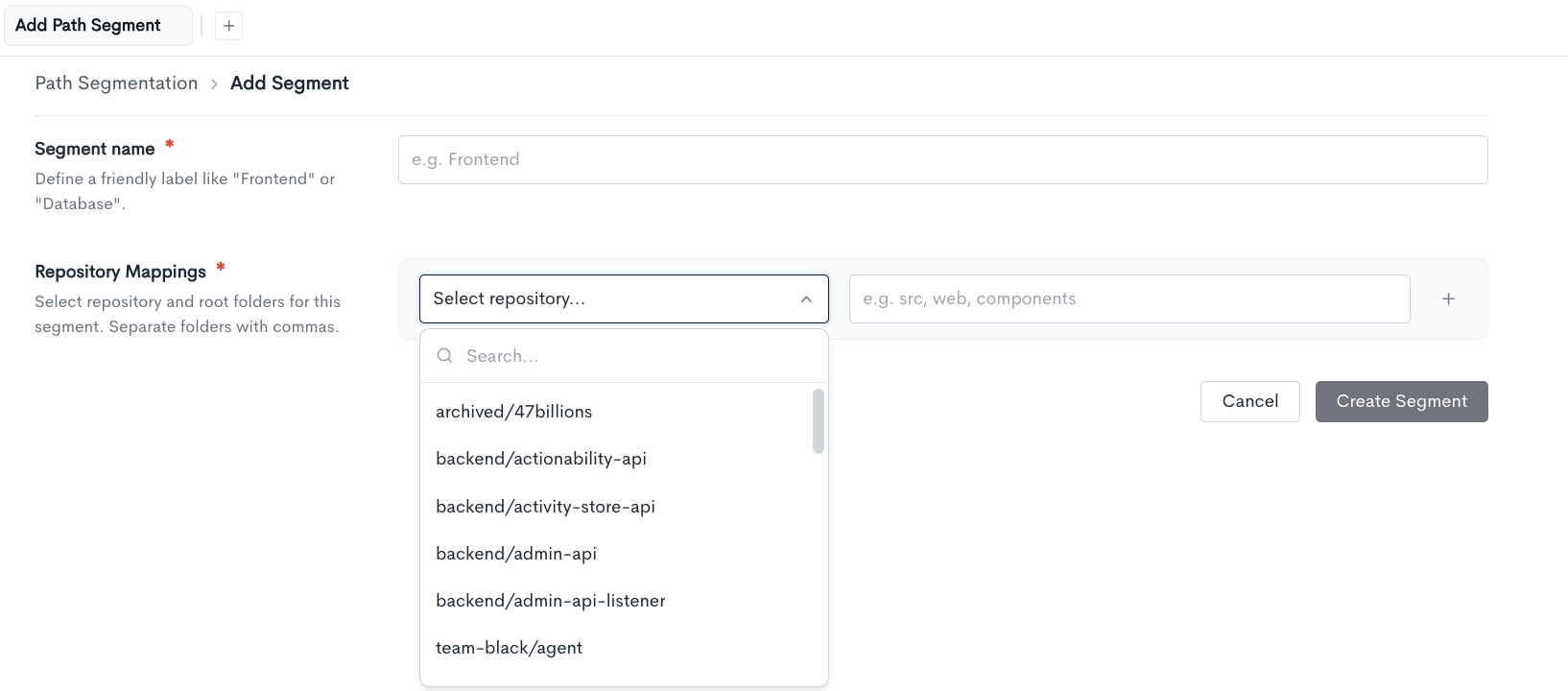
Clicking + Add Segment opens a dedicated Add Path Segment page (breadcrumb: Path Segmentation > Add Segment), with the following fields:
- Segment name - A friendly label for the segment (e.g.
Frontend,Database). This is a separate field from any repository or directory name. - Repository Mappings - One or more repository-and-directories pairs. For each mapping, select a repository from a searchable dropdown, then enter one or more directory names for that repository as a comma-separated list (e.g.
src, web, components). Click + next to a mapping to add another repository to the same segment.
Directory names are checked against the repository's actual contents. An invalid name (one that doesn't match a real directory) can still be saved, but is flagged with a warning rather than blocked (inferred from the ticket; exact warning copy and placement not yet confirmed, see Review notes).
Once the fields are set, click Create Segment to save it. Click Cancel to discard any changes and return to the Path Segmentation list.
Using Root Path
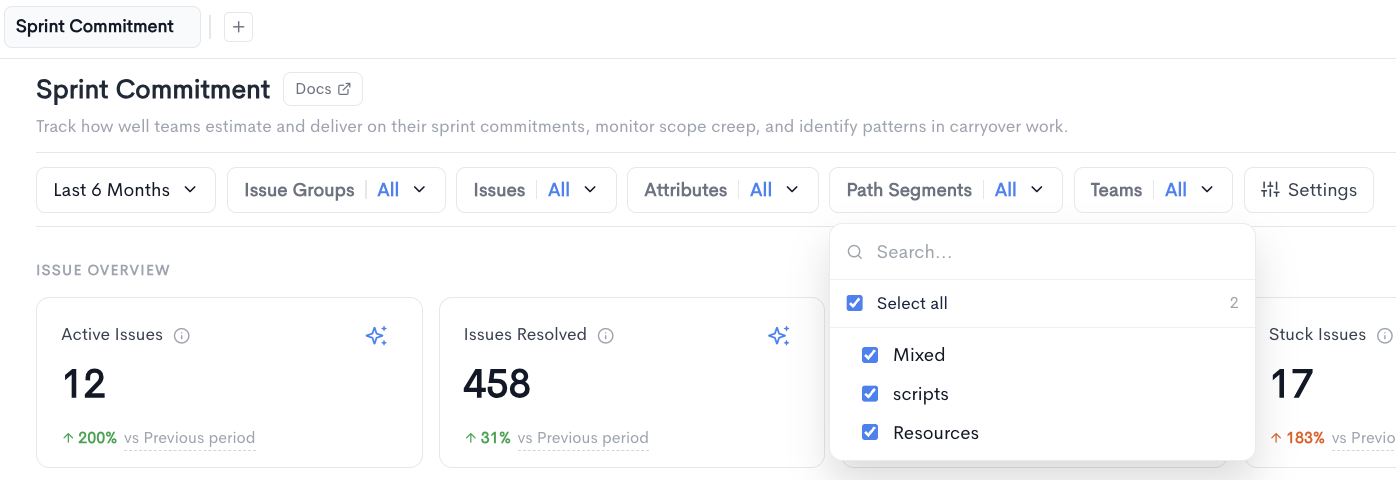
Once configured, a segment appears as a selectable Root Path attribute anywhere PR attributes can be selected, including Goals and report filters, alongside Teams, Groups, and other Attributes. This works across GitHub, GitLab, and Bitbucket repositories.
Updated about 1 month ago