

Snapshots Settings
Snapshots are Waydev's developer experience surveys. A snapshot is one survey cycle: it opens on a scheduled date, collects responses for 14 days, closes itself, and feeds the Snapshots reports — DXI, drivers, workflows, heatmaps, and comments. This page configures that cycle: when the next snapshot runs, what it asks, who the messages come from, and how people are reminded.
Prerequisites
A valid Slack or Microsoft Teams integration is required, because snapshots are delivered as direct messages. If the account has neither, the page replaces the form with a prompt to connect Slack and no settings can be saved.
Snapshot Date
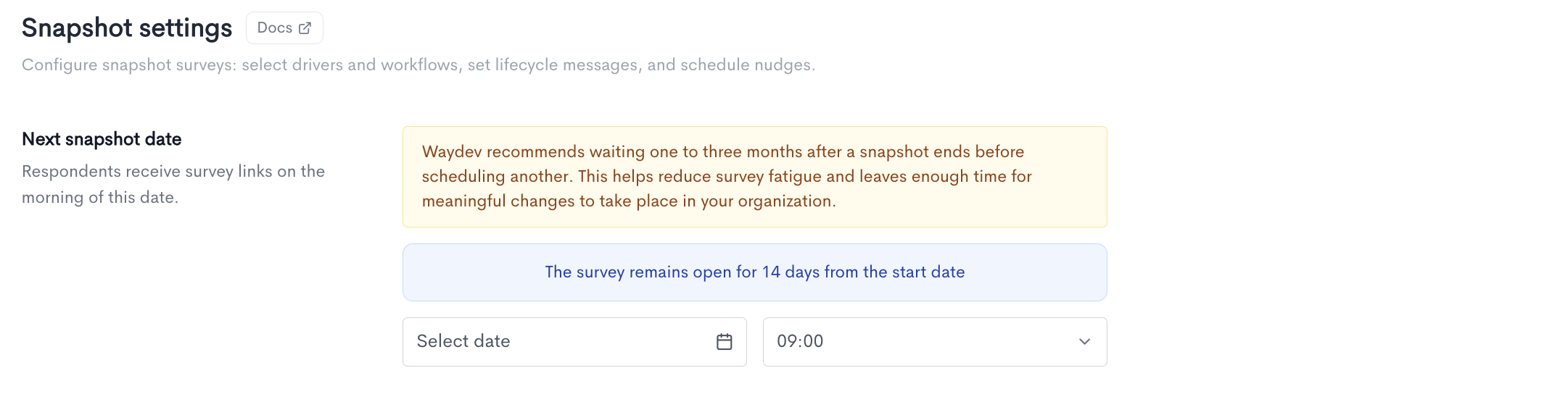
Sets the day the survey opens. Respondents receive their survey link on the morning of that date, and the survey stays open for exactly 14 days. This window is fixed. Next to the date you choose a delivery hour. That hour is applied in each recipient's own timezone.
When you can change it. The date is editable when no snapshot is scheduled, when one is scheduled but hasn't opened, or after the previous one has closed. While a snapshot is open and collecting responses the field is locked; you can schedule the next one as soon as it closes.
Spacing notice. If your last snapshot ended less than a month ago, a notice recommends waiting one to three months before running another — shorter gaps tire respondents and leave too little time for changes to show up. This is guidance, not a restriction.
Drivers
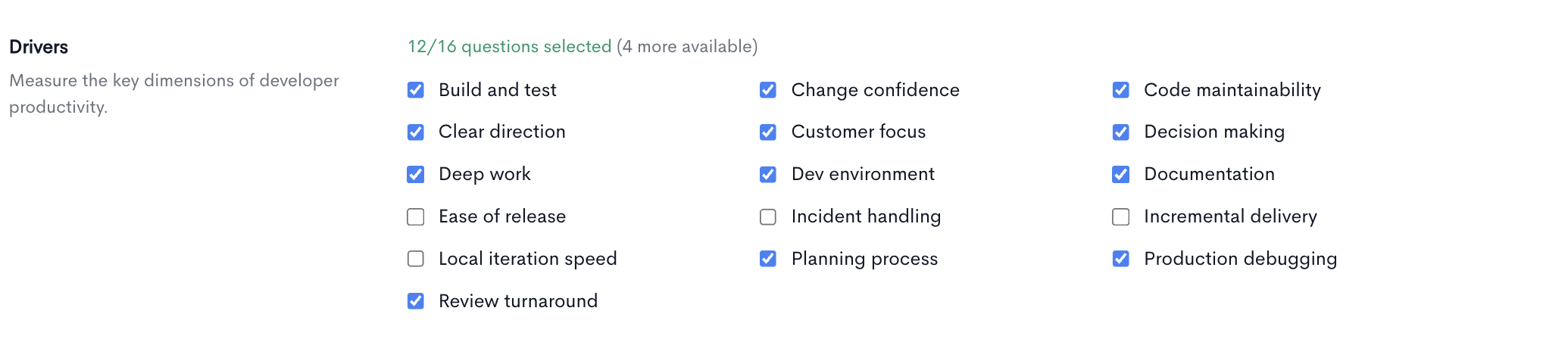
The experience half of the survey. Each driver is one statement respondents agree or disagree with, covering a dimension of developer productivity — whether CI slows them down, whether the code is easy to modify, whether reviews come back quickly.
Respondents also nominate up to three drivers they most want improved, which is what ranks priorities in the reports.
Hover any driver to see its exact survey wording, the answer options respondents get, and its target range. The counter above the list shows how many you have selected.
At least one driver must stay selected. Removing one takes it out of all future snapshots and ends its trend line in reporting; results already collected are kept.
Workflows
The friction half of the survey. Each workflow asks how much time is lost to a specific bottleneck — CI wait, review wait, test wait, dev environment toil, interruptions, deployment lead time.
Answers are time bands rather than opinions, and each band maps to a number. That's what lets the reports convert friction into estimated hours and cost lost per year against a benchmark.
As with drivers, hover to see the question and its options, and at least one workflow must stay selected.

Lifecycle messages
The three messages sent automatically over the course of a snapshot. Each has a Write tab for editing and a Preview tab to check how it will read.
From sets who the survey messages appear to come from. The app sends on their behalf, and only users who have connected their own Slack or Teams account can be selected. Sending as a real person gets noticeably better response rates than sending as the Waydev agent — if nobody has connected yet, the page offers an authorize prompt and falls back to the agent.
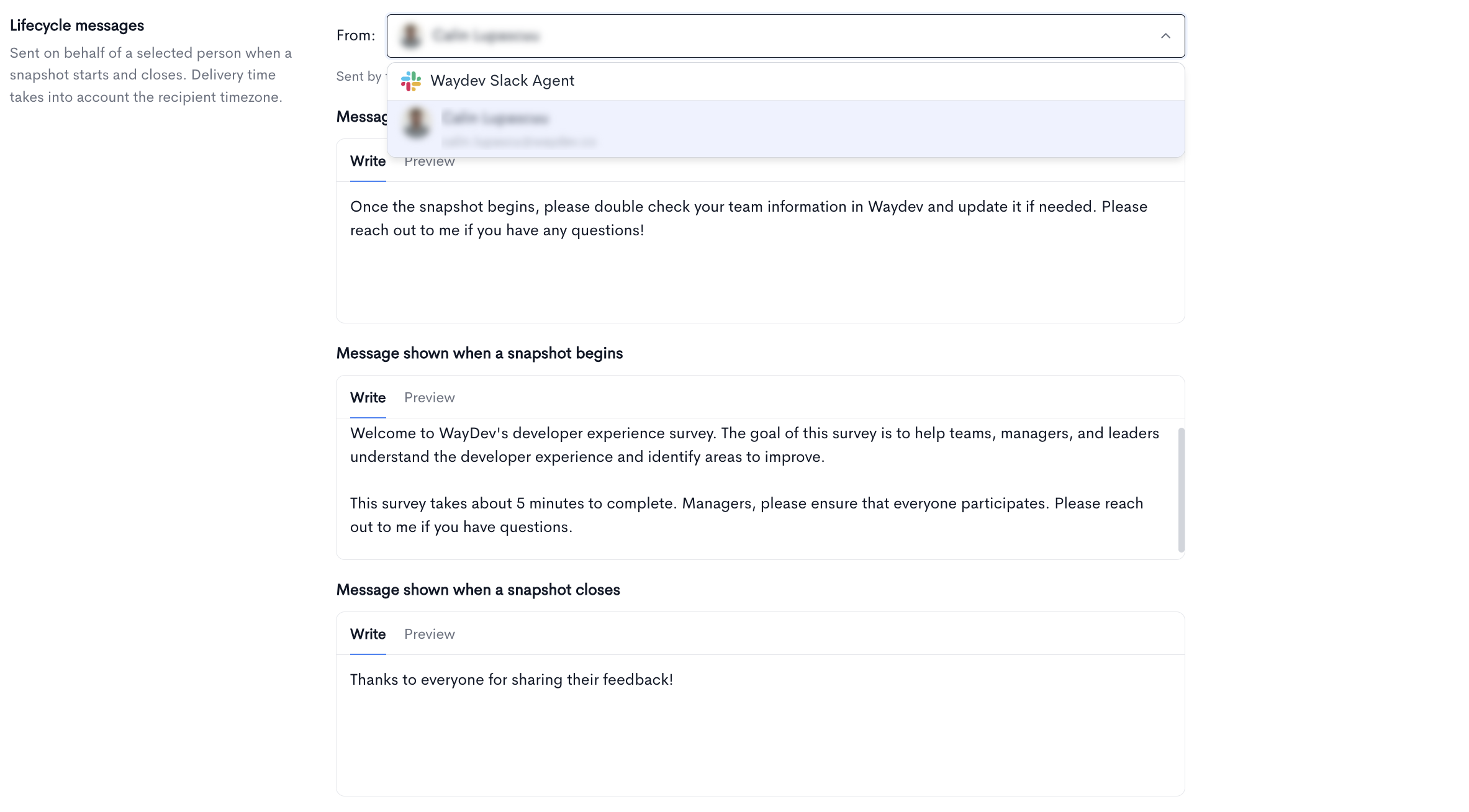
Message shown to team leads — sent on the Tuesday before the snapshot opens. It asks managers to check their team information in Waydev while there's still time to fix it, which matters because only people assigned to a team receive a survey. This one is optional; toggle it off to skip it.
Message shown when a snapshot begins — sent on the start date to everyone eligible, with each person's own survey link and an Open survey button. Required.
Message shown when a snapshot closes — sent to all recipients once the snapshot closes, typically as a thank-you. Required.
Scheduled nudges
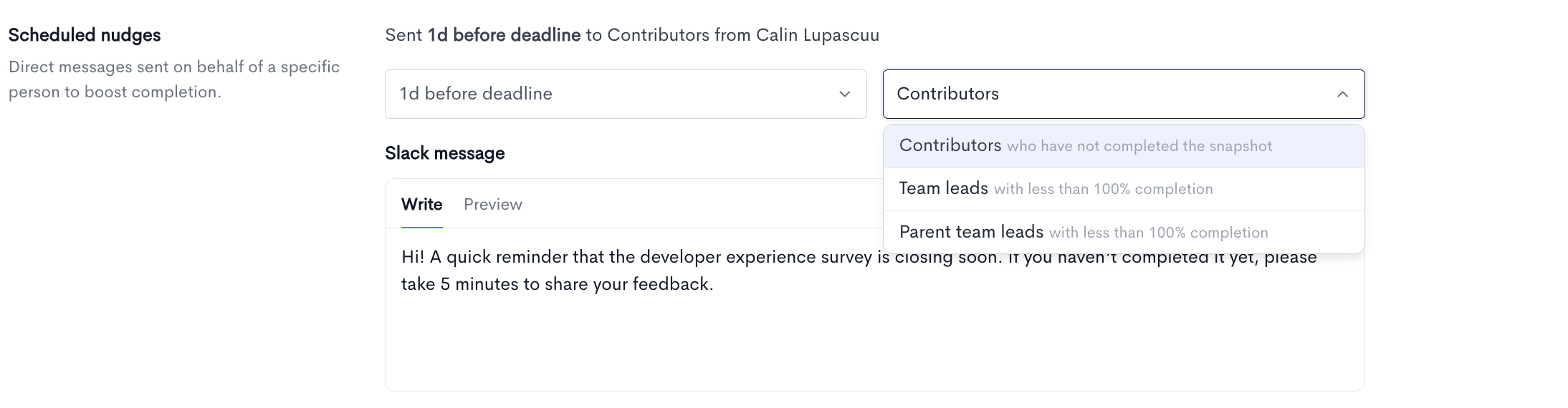
One reminder sent before the deadline to lift completion. The summary line above the fields states the result in plain language.
- Offset — how many days before the close date the reminder goes out. Set it to 0, or toggle the message off, to send nothing.
- Audience — contributors who haven't completed the survey, team leads whose teams are below 100%, or parent team leads only.
The nudge is sent once per snapshot. While a snapshot is active you can still adjust it, up until it has been sent.
Updated 26 days ago