

Devin
To zoom into the AI Adoption in your organization, integrate with Devin.
To integrate with Devin and track AI adoption in your organization, follow these steps:
1. Generate a Service User Key
Learn how to generate Service User Credentials by following the instructions provided in this guide.
Requirements:
- Enable these permissions:
- For account stats permissions enable:
- View account metrics - View enterprise metrics
2. Navigate to AI Adoption Integration
- Go to the Setup section.
- Select Integrations.
- Click on AI Adoption.
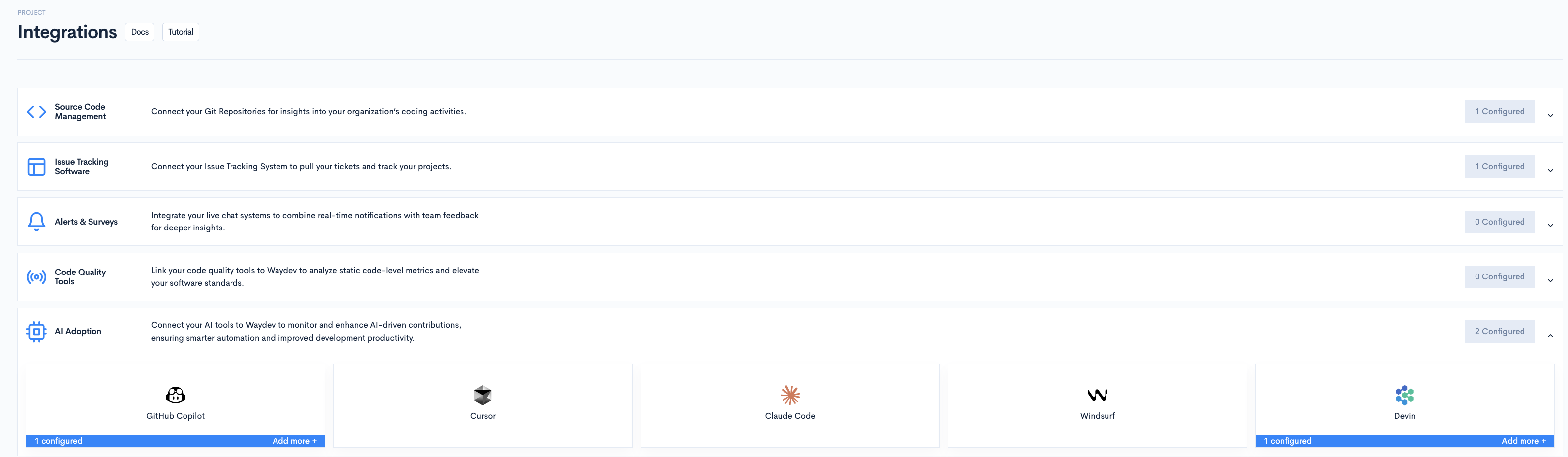
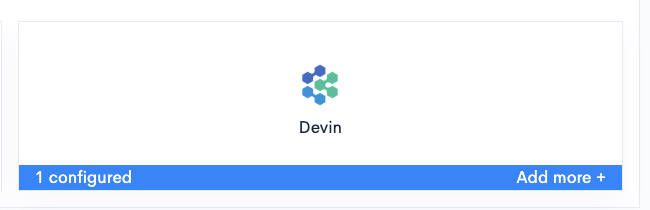
3. Select Devin
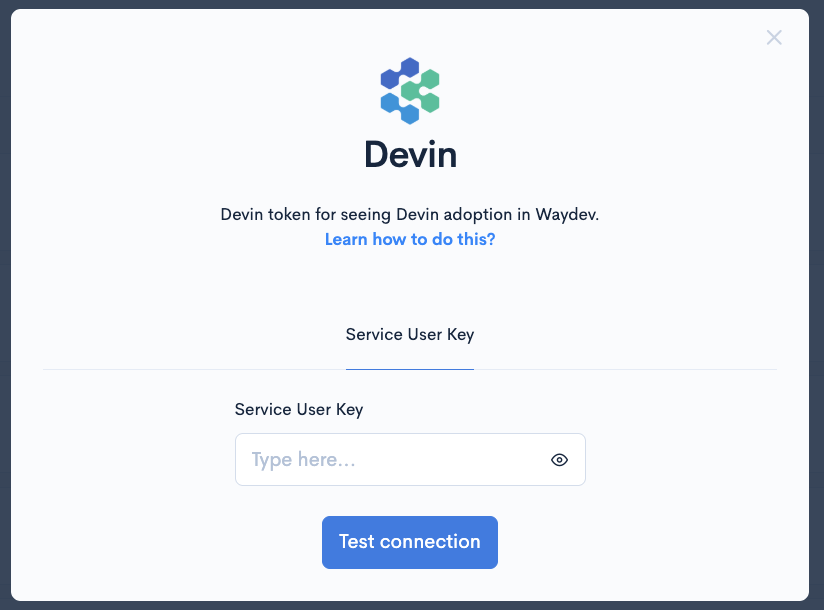
4. Insert and Validate the Service User Key
- Paste the Service User Key you generated earlier.
- Click Test Connection to verify the integration.
Once the connection is successfully established, you’ll be able to access Devin metrics within the AI Adoption dashboard.
Updated 9 months ago