

Microsoft Teams
How to add the Microsoft Teams integration.
To add a new integration click on the + Add Integration button.
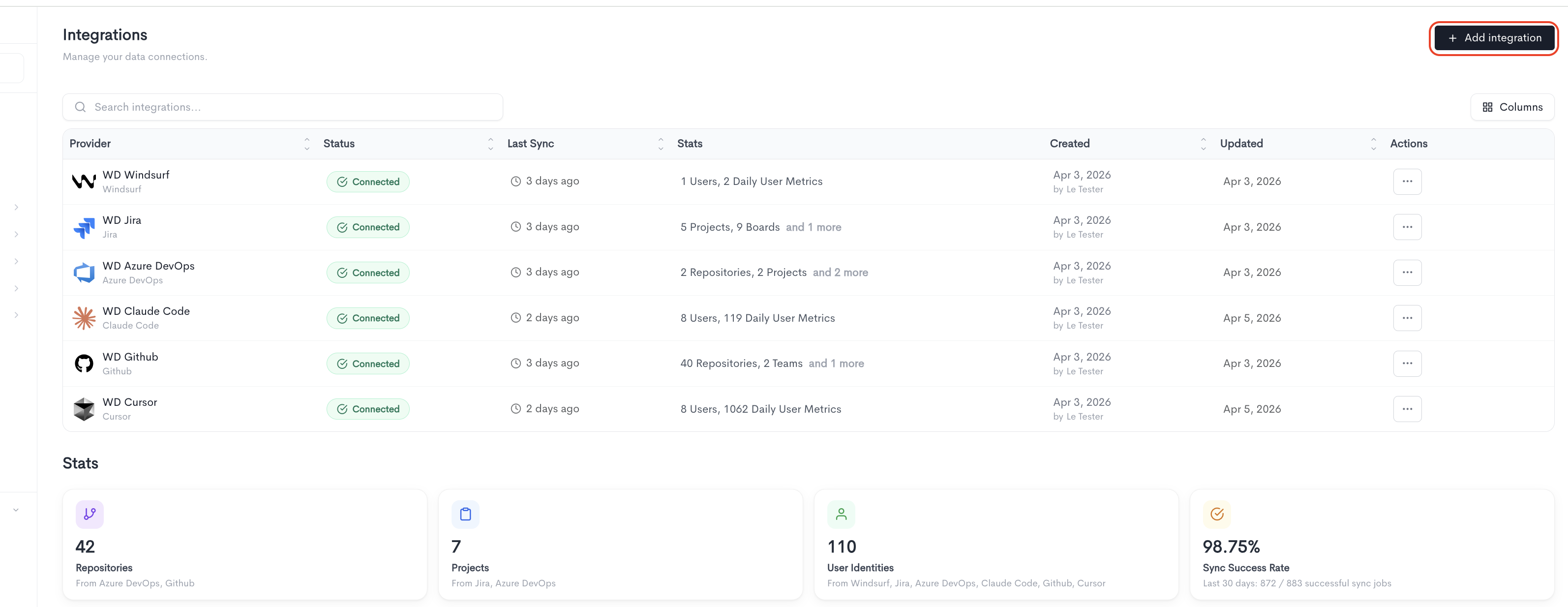
Adding the integration
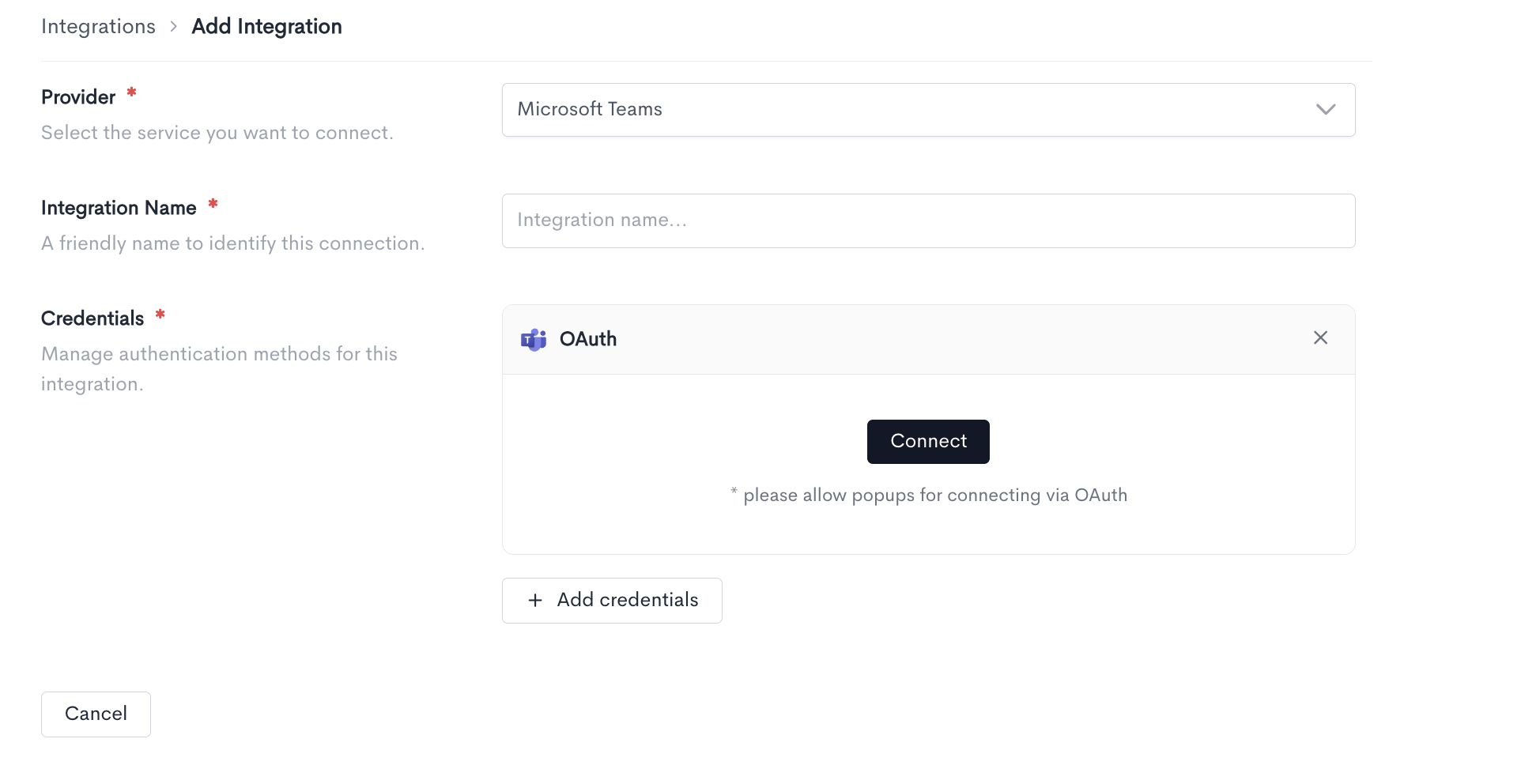
When adding a Microsoft Teams integration, fill in the following fields:
- Provider — Select Microsoft Tea,s from the dropdown.
- Integration Name — A friendly name to identify this connection within Waydev.
- Credentials — Microsoft Teams uses the OAuth authentication method. Click Connect to authorize Waydev to access your Slack workspace. Note: make sure to allow popups in your browser for this method to work.
You can add multiple credential sets using the + Add credentials button. Click Cancel to discard the integration setup and return to the Integrations list.
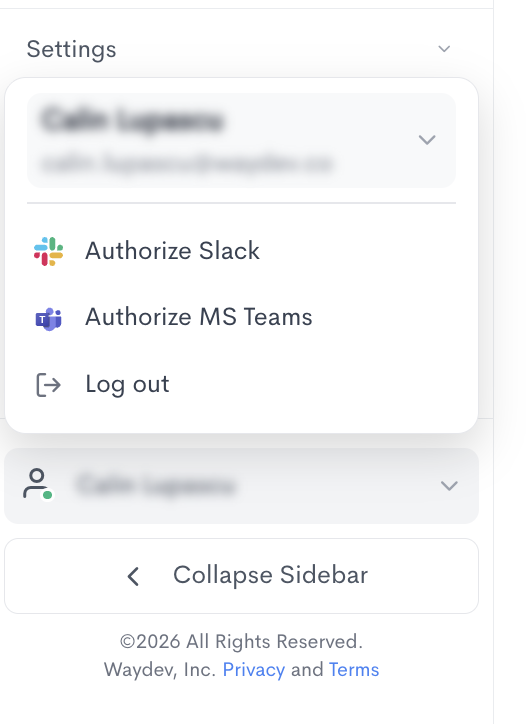
Auhtorize Microsoft Teams
Select your name at the bottom of the sidebar to open the profile menu, then Authorize MS Teams, which lets the Waydev Agent bot send snapshot messages and surveys to Microsoft Teams under your name instead of as a bot; available once your account's Teams integration is connected, and revocable from the same menu.
Updated about 1 month ago